
Is PUBG Crossplay in 2026? Console, PC & Mobile Cross-Platform Guide
Discover is PUBG crossplay in 2026 and how cross-platform support lets Xbox and PlayStation users unite, while PC and mobile remain separate.
If you're wondering is PUBG crossplay in 2026, here’s the quick answer right out of the gate: yes, but only in specific ecosystems. Console players on Xbox and PlayStation can play together, while PC and mobile stay in their own separate lanes. That split is still in place in 2026, and it matters a lot if you’re trying to squad up with friends before jumping into a match.
PUBG has been around long enough that plenty of returning players assume unified matchmaking must be standard by now. Not quite. KRAFTON has kept crossplay selective, so knowing where it works, where it doesn’t, and what settings can get in the way will save you a lot of frustration.
Is PUBG Crossplay in 2026
Before we get into the platform-by-platform details, it helps to clear up one thing that trips people up all the time. Cross-platform means a game exists on multiple systems. Crossplay means those systems can actually share lobbies, queue together, and play in the same live matches.
PUBG is definitely cross-platform in the broad sense. You can play it on PC, Xbox, PlayStation, and mobile. But if the question is is PUBG crossplay, the answer depends entirely on which version you mean.
Here’s the 2026 compatibility snapshot:
| Platform A | Platform B | Crossplay Supported? |
|---|---|---|
| PC (Steam) | PC (Epic Games) | Yes |
| Xbox One / Series X|S | PlayStation 4 / PS5 | Yes |
| PC | Xbox One / Series X|S | No |
| PC | PlayStation 4 / PS5 | No |
| PUBG Mobile (Android) | PUBG Mobile (iOS) | Yes |
| PUBG Mobile | PC or Console | No |
| PC (Emulator via GameLoop) | PUBG Mobile | Limited (official emulator only) |
So, in practical terms, is PUBG crossplay? Yes within certain platform groups, no across the big ecosystem gaps. The biggest wall is still PC versus console, and mobile is its own separate world too.
PUBG Crossplay Platform Breakdown
PUBG PC crossplay
On PC, PUBG uses one matchmaking pool shared between Steam and Epic Games Store players. If you’re on either client, you’ll end up in the same lobbies with no special setup needed. That part is simple.
What you can’t do is queue into Xbox or PlayStation matches from PC. It doesn’t matter if you plug in a controller either; PUBG sorts players by platform, not by input method. As of 2026, KRAFTON still hasn’t announced any plan to merge PC and console matchmaking.
PUBG Console crossplay
Console crossplay is where PUBG is the most flexible. Xbox One, Xbox Series X|S, PS4, and PS5 all share the same matchmaking ecosystem, so Xbox and PlayStation users can squad up and face each other in the same matches.
That also means current-gen and last-gen players are mixed together in the same pool. A PS5 player can run into PS4 users, just like Xbox Series X|S players can match with Xbox One users. Usually, you’ll see a small platform icon next to player names in the lobby, which makes it easy to tell what hardware your teammates are on.
You can disable crossplay in the settings if you really want same-platform-only matchmaking. Just keep in mind that queue times usually get noticeably worse, especially outside peak hours.
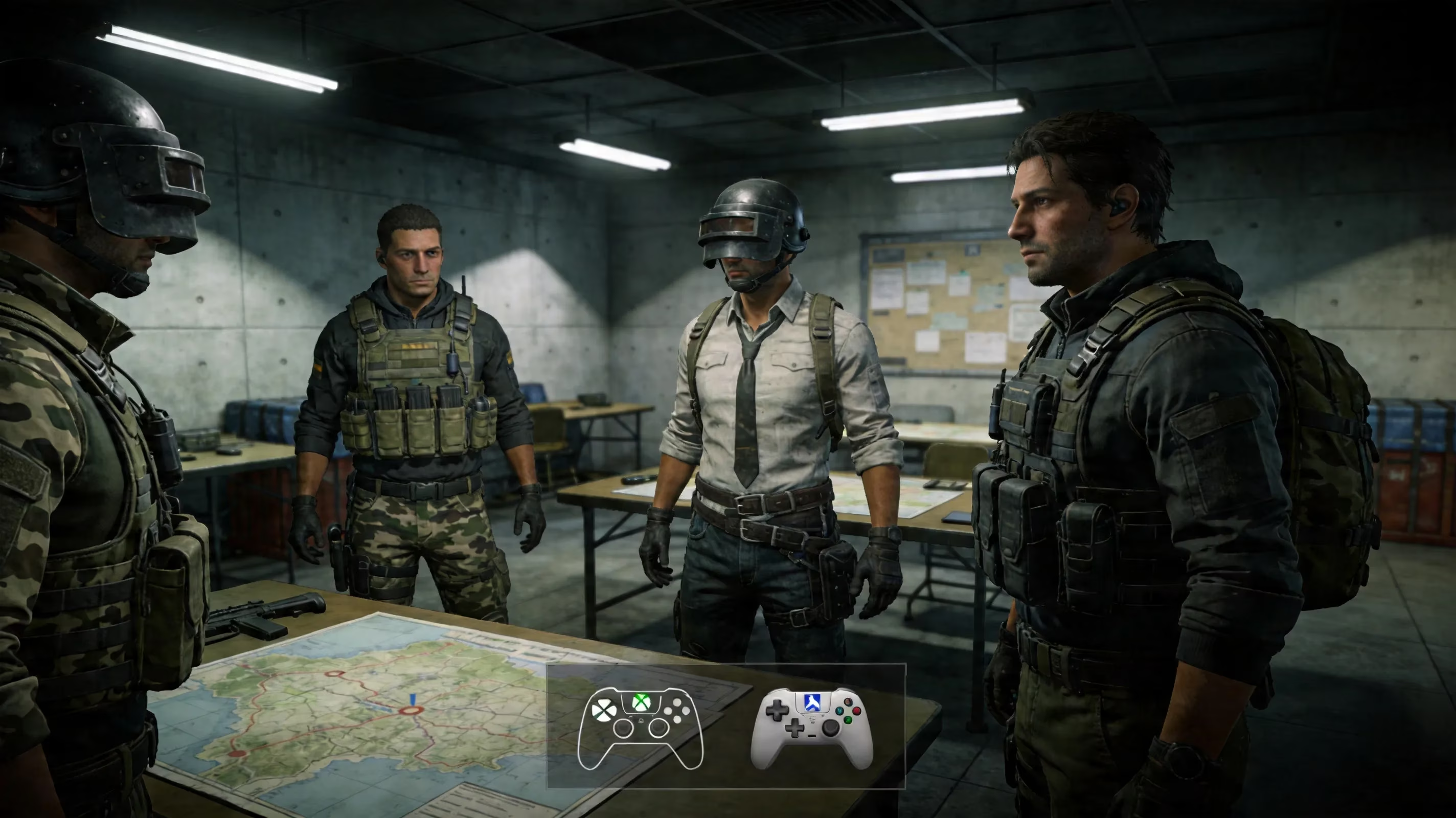
PUBG Mobile crossplay
PUBG Mobile handles things differently because it’s effectively a separate product. Android and iPhone players can crossplay with each other by default, and there’s no extra setup required.
There is one important exception: emulator matchmaking. If you’re using the official GameLoop emulator, you’re generally placed into emulator-specific lobbies instead of being mixed freely with touchscreen players. That separation exists for obvious reasons, since mouse-and-keyboard support creates a pretty major input advantage. Third-party emulators aren’t officially supported and can raise anti-cheat issues.
And just to be crystal clear, PUBG Mobile does not crossplay with PC or console PUBG. Different codebase, different update cadence, different infrastructure.
How PUBG Crossplay Works
On console, the crossplay option is usually found in the main settings menu under Gameplay or sometimes Account, depending on the current build. When it’s turned on, your matchmaking pool expands to include both Xbox and PlayStation players. Turn it off, and you’ll only search within your own platform family.
If you want to invite friends across Xbox and PlayStation, both sides need a linked KRAFTON ID. That’s the identity layer PUBG uses to make cross-platform parties work. Without it, invites often fail before the party even forms.
A few key things to keep in mind:
-
Party leader settings matter: If the leader has crossplay enabled, the whole squad queues under that setup.
-
Same-version clients are required: If one player hasn’t updated, party formation can break.
-
Mode rules can vary: Standard matchmaking and Ranked generally follow the same console crossplay logic, but limited-time modes may use their own restrictions.
-
Queue pools change with settings: Disabling crossplay shrinks your available player pool and can increase wait times pretty fast.
That last point matters more than people expect. In regular modes, crossplay usually gives you healthier matchmaking. In special event modes from the 2026 roadmap, like Xeno Point or the PAYDAY collaboration with Starbreeze, it’s worth double-checking the mode details before you queue.
Why PUBG Has Crossplay Limits
A lot of players still ask why PUBG doesn’t just fully merge every platform into one giant pool. Honestly, the reasons are pretty understandable once you look at the competitive side of the game.
The biggest issue is the mouse-and-keyboard versus controller gap. PC players can aim and snap much more precisely, and even strong aim assist usually doesn’t fully close that gap in a game like PUBG. If PC and console were thrown together without strict input-based matchmaking, console players would be at a serious disadvantage.
Then there’s anti-cheat. PC is naturally more exposed to third-party tools and exploits, and KRAFTON has already flagged DMA (Direct Memory Access) bypass cheating as a major concern in 2026. Keeping PC separate helps limit that risk for console players.
There are also technical reasons:
-
Patch parity isn’t always instant: PC updates can go live quickly through Steam or Epic.
-
Console certification takes longer: Sony and Microsoft approval can delay updates by days or more.
-
Mixed-version lobbies create problems: Desync, feature mismatches, and exploit risks all become harder to manage.
-
Platform tuning differs: Stability, performance targets, and matchmaking behavior are often adjusted separately for each ecosystem.
So while full crossplay sounds great on paper, PUBG’s limits are mostly about competitive fairness and keeping live service operations manageable.
PUBG Crossplay Problems and Fixes
Can’t invite cross-platform friends
If you can’t invite a friend from another console platform, the first thing to check is KRAFTON ID status. Both players need linked and verified accounts, otherwise cross-platform party features may not work at all.
After that, check for the usual culprits:
- Version mismatch
If one console is behind on updates, invites can fail silently. Make sure both players are fully patched.
- Privacy or social restrictions
Console-level settings can block cross-network communication before PUBG even gets involved.
- Region mismatch
In some cases, restrictive regional settings can interfere with matchmaking or party formation.
On Xbox, the setting path is usually:
- Settings > Account > Privacy & Online Safety > Communication & Multiplayer
Make sure cross-network play is set to Allow.
On PlayStation, check:
- Settings > Users and Accounts > Privacy
You’ll want social and communication permissions open enough to allow external interaction.
Crossplay not finding matches
If crossplay is enabled but matchmaking just keeps spinning, the easiest fix is often the boring one: turn crossplay off, turn it back on, then requeue. That forces the client to refresh its matchmaking registration with the live server pool.
If that doesn’t work, try these:
-
Restart the queue entirely
-
Switch to a more populated mode
-
Avoid low-activity event playlists
-
Try a different region if your current one is in off-hours
-
Queue during peak local playtimes
A lot of “crossplay is broken” reports are really just low-population issues in niche modes or dead-hour regions.
Voice chat and party issues
Cross-platform voice can be a little messy because it depends on both PUBG’s in-game voice system and each console’s own network permissions. If voice works with same-platform teammates but not with cross-platform friends, system settings are usually the first place to look.
Make sure Cross-Network Communication is allowed on both consoles. Then verify PUBG’s in-game voice settings haven’t been muted, restricted to a different channel, or disabled after an update.
If in-game chat still refuses to cooperate, Discord is the easiest fallback. Since it’s now supported on both Xbox and PlayStation, it gives you a much more stable cross-platform voice option and avoids some of the in-game bugs that pop up from time to time.
PUBG Crossplay FAQ and Bottom Line
Is PUBG crossplay with PC?
No. PC players only match with other PC players in the shared Steam and Epic pool. There is no official PC-to-console crossplay in 2026.
Is PUBG crossplay with Xbox?
Yes, but only across consoles. Xbox players can play with PlayStation users when crossplay is enabled. They cannot join PC lobbies.
Is PUBG crossplay with PS5?
Yes. PS5 shares matchmaking with PS4, Xbox One, and Xbox Series X|S through console crossplay. It does not connect to PC matchmaking.
Does PUBG have cross-progression?
No. PUBG still does not support cross-progression in 2026. Cosmetics, battle pass progress, ranked data, and unlocks stay tied to the platform where they were earned. If you built up an inventory on PC, it won’t carry over to PlayStation or Xbox, and the reverse is true as well.
At the end of the day, the answer to is PUBG crossplay is pretty straightforward once you break it down: console players get full Xbox-PlayStation crossplay, PC stays PC-only, and mobile remains separate from both. If you’re planning squad sessions, make sure everyone has linked their KRAFTON ID, updated to the same version, and checked their privacy settings before you queue. That alone solves a surprising number of problems.
Data referenced from TrueAchievements can help console players sanity-check whether their PUBG sessions are happening inside the shared Xbox–PlayStation ecosystem described above, since its community tracking and platform-focused coverage often reflects how matchmaking pools and network features behave in practice for Xbox users.